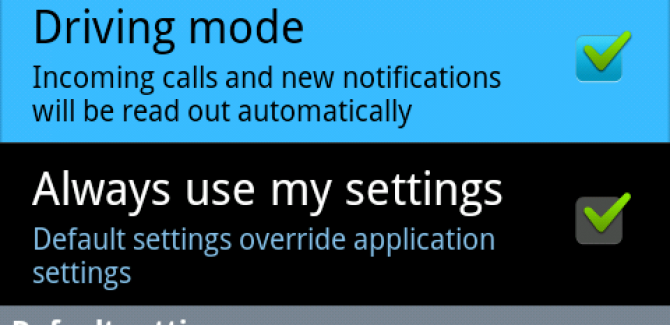
If you drive frequently with your Android phone and more specifically Samsung Galaxy S2, then here is something you will like to the core – “Quick Driving Mode widget”. With this widget installed, you can easily put your mobile phone in to the Driving mode just at the tap of a button.
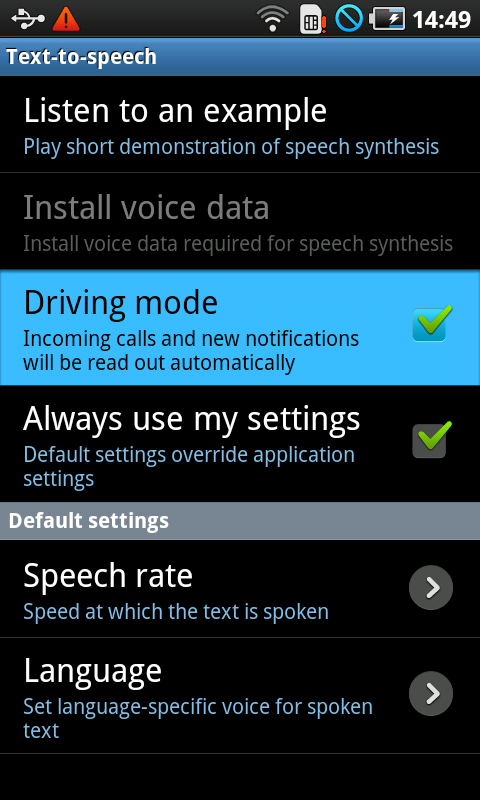
The Driving Mode widget simply opens up the Text-to-speech console settings on your phone and lets you choose whether or not your Samsung Galaxy S2 phone should be in the Driving mode. For those who do not know this, Driving mode is basically a safety feature that makes all your phone functions car friendly.
For instance, when you are driving and get a text message, instead of taking your hands off the gears to read the text, the phone will automatically read the text message for you provided you have Text-to-speech software installed. The widget is available as a third-party apk which can be installed from this link.
Post a comment